
Is Your TV Always Too Loud? What It Really Means About Your Hearing (and Simple Ways to Fix It)
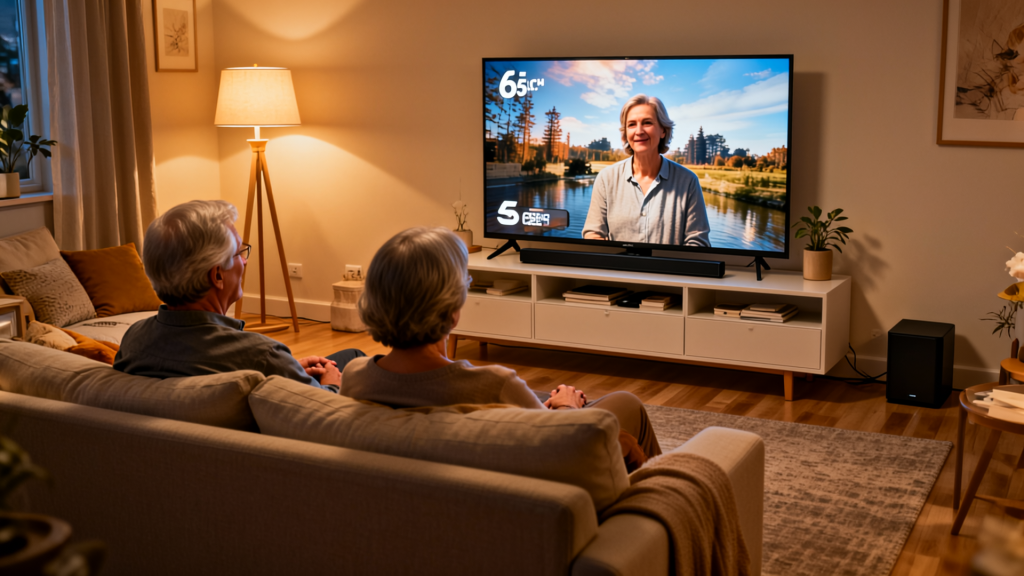
IIf your family keeps saying, “The TV is too loud,” but you feel like you can barely hear what people on the screen are saying, you’re not alone. For many seniors and their loved ones, constant fights over the remote are really about hearing changes sneaking up, not about who’s “right” about the volume.
In this article, we’ll look at why the TV volume becomes a battleground, a few simple fixes you can try at home, and when “loud TV” might be a sign it’s time to check your hearing
Is It the TV… or Is It Your Hearing?
Modern TVs get blamed for a lot. The sound can be muddy, music and background noise are often too loud, and voices can be hard to follow. But here’s the key question:
- If your spouse, kids, or grandkids hear the TV just fine at a low volume,
- And you still can’t make out what people are saying even when the volume is turned up…
…that’s a strong hint that it’s not just the TV. It’s probably your hearing.
As we age, many of us develop what’s called age‑related hearing loss. It usually creeps in slowly. You don’t wake up deaf one day – you just notice little things:
- You keep asking people to repeat themselves.
- You miss words in group conversations.
- High‑pitched voices (women and children) are harder to follow.
- Noisy restaurants or family gatherings feel exhausting because you’re working so hard to keep up.
The “TV volume wars” are often one of the earliest and most obvious signs that something is changing in your ears.
If this sounds familiar and you’re noticing these signs in other parts of life too, it may be time to learn more about hearing loss in seniors and what to do next. Read my full article about, “Is it just a loud TV or my Hearing“
Why Turning Up the Volume Doesn’t Really Fix It
Most people do the natural thing: “If I can’t hear, I’ll turn it up.” That makes sense… up to a point.
The problem is that when your hearing changes, you often lose clarity more than loudness. Certain sound frequencies that carry important speech information become harder to pick up. So you turn up the TV, but all you’re really doing is making music, sound effects, and background noise louder right alongside the voices.
That can lead to:
- The TV sounding loud and overwhelming, but speech is still muddy.
- Family members complaining about the volume while you still can’t follow the story.
- Arguments over the remote instead of focusing on what’s really going on: your hearing needs a little extra support.
The good news is there are smarter ways to handle this than just cranking the volume higher and higher.
Simple At‑Home Fixes to Try First
Before you think about big changes, there are several easy tools you can try right now to make TV sound clearer and conversations less frustrating.
1. Turn On Closed Captions (Subtitles)
Closed captions don’t just put words on the screen. They give your brain a second way to “hear” the story. If your ears miss a word, your eyes can often fill in the blank. That’s why so many people with hearing changes find they relax more when captions are on.
A few things to remember:
- Using captions is not “cheating” or a sign of failure.
- Younger people use captions all the time now – you’re in good company.
- Captions can reduce the stress of trying to catch every word, especially in fast‑moving shows or British dramas where accents are tricky.
To get started, turn captions on for one or two of your favorite shows. Give yourself a few days to get used to them. Most people find that after a short adjustment period, they never want to go back.
2. Move Your Seat Instead of the Volume
This sounds almost too simple, but it matters: sitting closer to the TV can help you hear and see more clearly without blasting the sound. Instead of jumping from volume 15 to 35, try moving a chair a few feet closer and see if that helps you follow the dialogue better.
3. Fix Weak TV Speakers with a Simple Soundbar (My Story)
Here’s something I discovered in my own living room.
I have a 65‑inch TV – a big, beautiful screen – but the speakers are tiny and sit on the back of the set. Instead of sending the sound toward my wife and me, they were throwing it down the hallway. We’d be sitting right in front of the TV and still feel like the voices were far away.
We bought an inexpensive soundbar with a subwoofer. At first, the bass was way too strong – a lot of “boom, boom” with music and effects – so we turned the subwoofer down. Once we adjusted it, the difference was huge. The soundbar pushed the sound forward into the room, and we could hear voices much more clearly without cranking up the TV volume.
If your TV has small rear‑facing speakers and it feels like the sound is disappearing into the wall or down the hallway, a basic soundbar with a “dialogue” or “voice” mode can be a very helpful first step.
4. Use TV‑Only Listening Devices (Like TV Ears)
This is where technology can really help – without everyone else in the room getting blasted. TV helper devices send the sound directly from your TV to a headset or receiver you wear, so:
- You can set your own comfortable volume.
- Other people in the room can keep the TV at a normal level.
- The sound is often clearer, because it’s coming straight to your ears instead of across the room.
One popular style is the “TV Ears” type system you may have seen on TV or Amazon. These usually have a lightweight under‑chin headset that sits on a charging base next to the TV and let you adjust your personal TV volume without touching the main remote.
For many seniors, a TV‑only listening device like TV Ears can be a game‑changer. You hear the dialogue clearly at the volume you need, while everyone else listens at a comfortable level.
Tips for Family Members and Caregivers
If you’re an adult child or caregiver, hearing & communications for seniors is critical, And, the TV volume battle can be frustrating. But keep in mind: most older adults aren’t trying to be difficult. They genuinely can’t hear as well as they used to.
A few gentle ideas:
- Avoid arguing about the remote. Talk about hearing instead.
- Offer to turn on captions and try TV helper devices together.
- Sit down and watch a favorite show side‑by‑side while you experiment with volume and settings.
- Offer to help schedule a hearing test or look at options like Hear.com together, so your loved one doesn’t feel alone in the process.
The goal isn’t to “win” the volume war. It’s to help everyone in the family hear and enjoy life with less strain and more understanding.
Bringing the Volume Down – Without Missing the Story
If your TV is always loud, people tell you they can hear it from the driveway, or you’re tired of saying “What did they just say?”, it’s a good time to pay attention. Your ears are trying to tell you something.
Start with simple helpers:
- Turn on closed captions.
- Move a bit closer to the TV.
- Add a basic soundbar to pull sound toward you.
- Try a TV‑only listening device like TV Ears.
If you’re still struggling, consider that you might be dealing with age‑related hearing loss. Getting your hearing checked and exploring modern solutions – through a service like Hear.com – can make TV, conversations, and everyday life feel easier and more enjoyable again.
For a deeper look at common signs of hearing loss and the different ways to get help, be sure to read our full guide to hearing loss in seniors.
You don’t have to live with constant “TV volume wars.” With a few small changes, you can hear more clearly, feel more relaxed, and still enjoy your favorite shows without driving everyone else out of the room.
If you’re constantly turning the TV up, our hearing and communication for seniors articles can help you find listening solutions that keep the volume comfortable for you and everyone else in the room.
This page contains affiliate links. As an Amazon Associate, I earn from qualifying purchases…
See my full Affiliate disclosure for more details